
Help & FAQ for tradespeople
Joining, getting verified, winning work and getting paid, answered in plain English. Can’t find it here? A real person reads every message.
How do I join as a tradesperson?
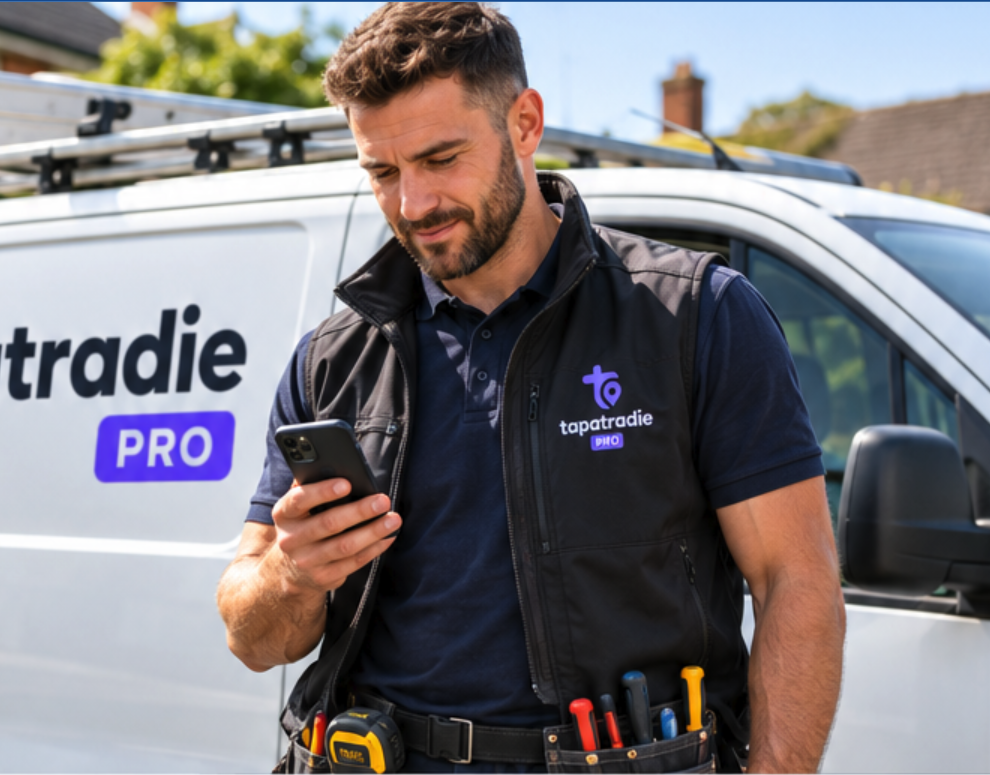
Download the Tap a Tradie Pro app and set up your business in minutes. Add your trades, base postcode and coverage radius, services and prices, and working hours. Upload your certificates with photo evidence. Gas Safe, OFTEC, your UTR and company details are checked by Tap a Tradie admins against that evidence; other certificates and insurance are declared by you under our terms. Your profile goes live automatically the moment every check passes, with no separate approval to wait for.
How do I find and win work?
Open jobs near you appear on the Find map and list, matched to your trades and coverage radius. Send your price and the times you can do. Customers can also book you or request an urgent callout directly from your profile.
Profiles with verified certificates, a DBS badge, insurance and clear warranty cover win noticeably more work, because customers see the badges before they choose.
When do I get paid?
The customer signs the job off in the app, their card is charged, and your money is paid out through Stripe to your bank account. On urgent callouts the callout fee is released as soon as you prove arrival, with on site hours following at sign off.
Payouts go out weekly, on the same weekday each week, once each payment has cleared, which is usually 7 days. Your first payouts can take a little longer than 7 days while Stripe sets up your new account. That is completely normal. If anything looks wrong, get in touch.
You keep every penny of the price you quoted. Card processing comes out of the customer’s booking fee, never out of your earnings. Extra work a customer approves mid job carries a platform fee of 10% of the extra labour, added to the customer’s bill rather than taken from yours.
What documents do I need?
The certificates your trades require, for example Gas Safe registration for gas work, and sole traders add their UTR confirmation. Insurance and a DBS check are optional but each adds a Declared badge to your public profile, and insurance details are shown to customers where you have provided them. Photo ID is checked by Stripe when you set up payouts. Your files stay private. Customers only ever see the badges. Your workmanship warranty (at least 12 months, up to 36) is declared in the app and customers see the cover alongside your quotes.
How do coverage and availability work?
You set a base postcode and a coverage radius, and jobs match inside it. Working hours control when booked jobs can be scheduled, and going online in the app makes you visible for urgent callouts nearby, live on the customer’s map.
What happens when I renew a certificate?
Renewals and changes to verified certificates are checked again by our admins, and the jobs that need that certificate pause until the new card clears. The app shows exactly what’s outstanding, and everything resumes automatically once the check passes. You can also switch a certificate off at any time. You simply stop receiving the jobs that require it.
Where are my invoices?
Every paid job has a ready made invoice in the app under Invoices. Open one for the full breakdown of what the customer paid and what you keep, and share or save it as a PDF for your records or your accountant.
Still need help?
Can’t find your answer? Get in touch and a real person will read your message.
Contact us